
Set your wake-up
Choose when you need to be up. Ninety automatically prepares a smart wake-up window in the 30 minutes prior.
Sleep intelligence, on your wrist
Ninety turns your Apple Watch into a sleep companion: it monitors your heart rate and motion, interprets your signals, and wakes you at the most optimal point in your wake-up window.
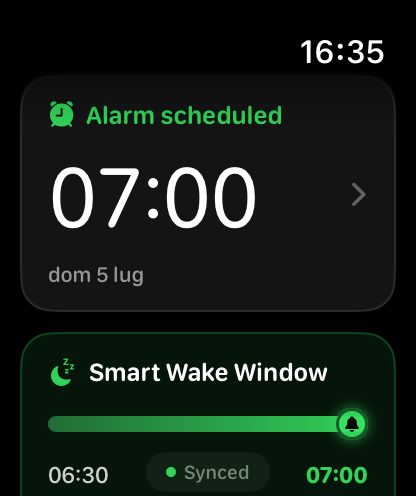
Sleep doesn't end when an alarm rings.
How it works
Discreet technology that works while you sleep, without turning your night into a dashboard.
Choose when you need to be up. Ninety automatically prepares a smart wake-up window in the 30 minutes prior.
Apple Watch tracks your heart rate and motion. The analysis happens entirely on-device, in continuous 30-second epochs.
The model identifies the most optimal moment and triggers a progressive haptic alarm, always within your chosen time limit.
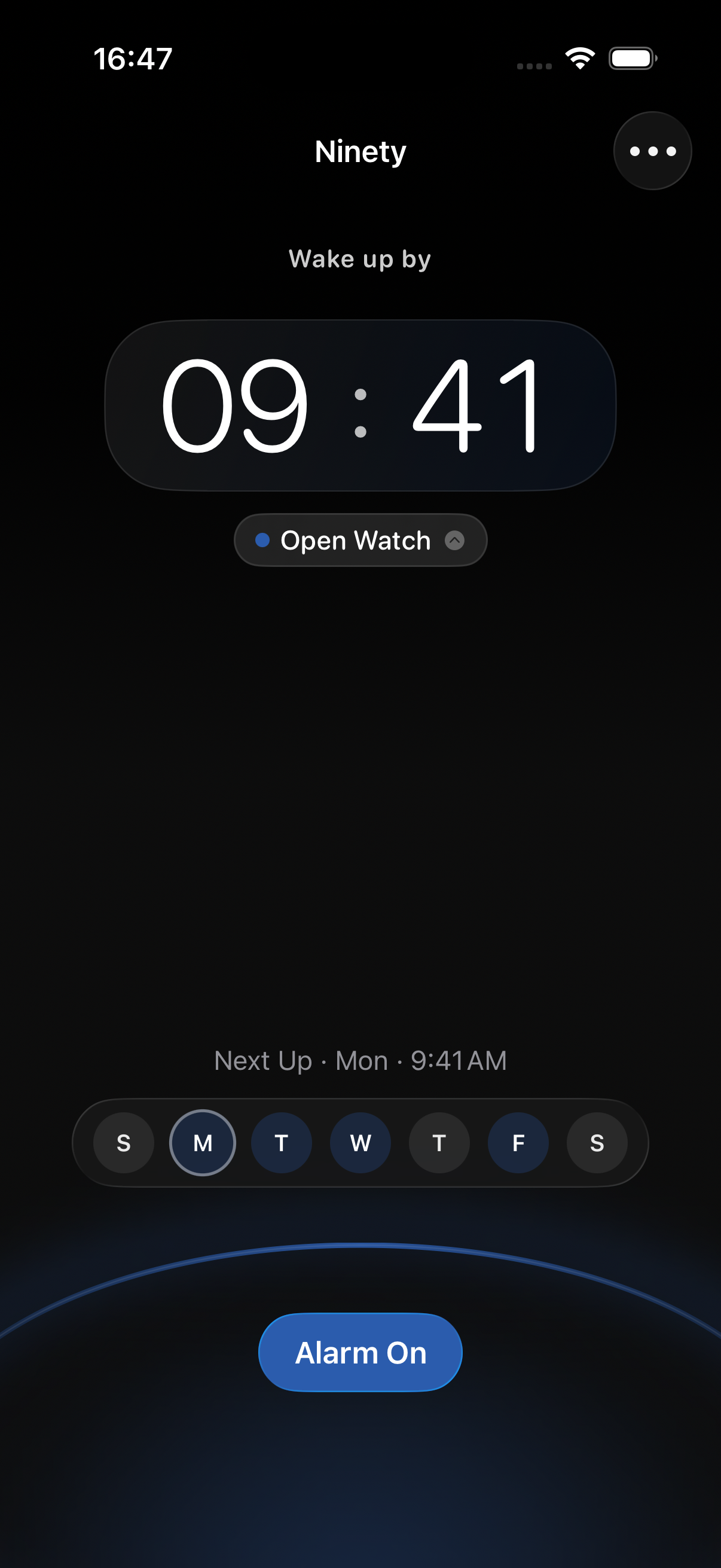
Local intelligence
Ninety processes signals directly on your devices. The model observes trends rather than judging single readings, looking for useful patterns to make waking up feel more natural.
Next, on Ninety
The upcoming features we're exploring to transform every night into an increasingly mindful experience.
A personalized model that gradually learns your rhythms and adapts your wake-up window to your habits.
An essential weekly view to track consistency, perceived sleep quality, and rest trends without data overload.
A wake-up experience coordinated with your smart lights and home environment, gently guiding your body and room into the morning.
Short sessions to recharge your energy during the day, with flexible durations and a silent haptic alarm.
Non-diagnostic indicators of nighttime respiratory trends, presented in a clear and respectful way.
The team
We are a small team combining product, technology, and attention to detail to rethink an everyday habit: waking up.

Computer Engineering
Product Architect & Core Developer

Computer Engineering
CoreML Engineer
Cybernetic Engineering
Full Stack Developer

Computer Engineering
Full Stack Developer
Computer Engineering
watchOS & Sensor Engineer
Privacy policy
Last updated
July 2, 2026
With your explicit consent, Ninety can access the data required for its monitoring features, including heart rate, wrist motion, alarm settings, and technical session information. Access to health data is regulated by HealthKit permissions and can be modified through Apple's settings.
Your data is used to locally analyze your sleep trends, pinpoint a favorable moment within your wake-up window, trigger the alarm, and display basic insights. Ninety does not provide medical diagnoses or replace a healthcare professional.
The primary processing happens right on your Apple Watch and iPhone. Information may be transferred between your paired devices using Apple frameworks, like WatchConnectivity, and stored locally to ensure a seamless session experience. This landing page uses no tracking cookies or analytics.
Ninety never sells your personal data or uses it for behavioral advertising. Your data may be processed by core Apple system services required to run the app, strictly following your device's privacy settings and terms.
Local data is retained only for as long as needed to run the app and provide a continuous experience. You can revoke permissions at any time via your iPhone and Apple Watch settings; you can also remove all local data by uninstalling the app, without affecting any information managed autonomously by Apple Health.
This policy may be updated as Ninety's features evolve. For any privacy-related inquiries, you can reach out using the official contact information listed on our App Store page.